Changelogs
Stay up to date with the latest changes and enhancements.
Stay up to date with the latest changes and enhancements.

18. Oct 2026
Share
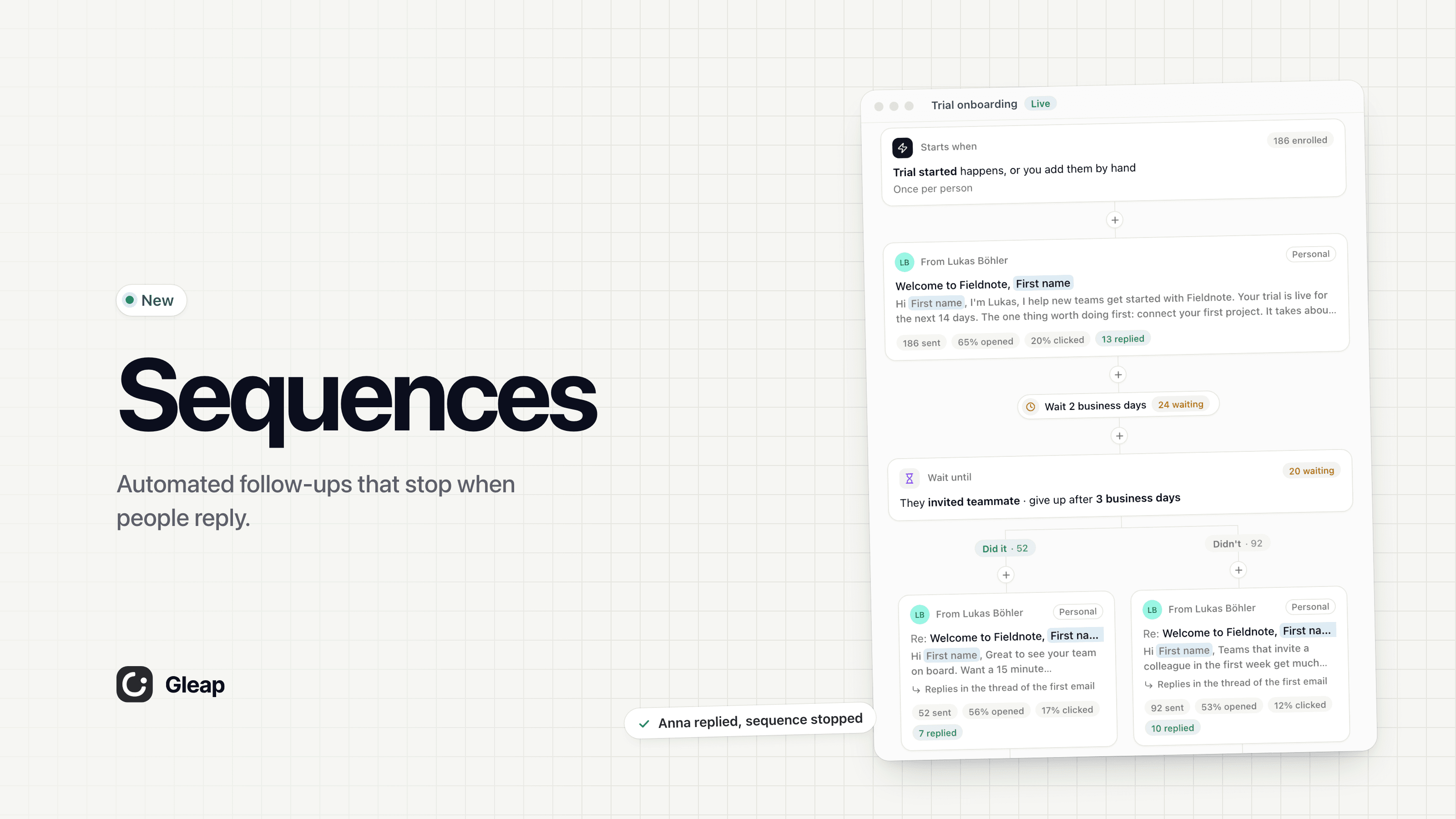
Sequences now reach people on every channel, branch on how they engage with your emails, and keep going when someone replies.
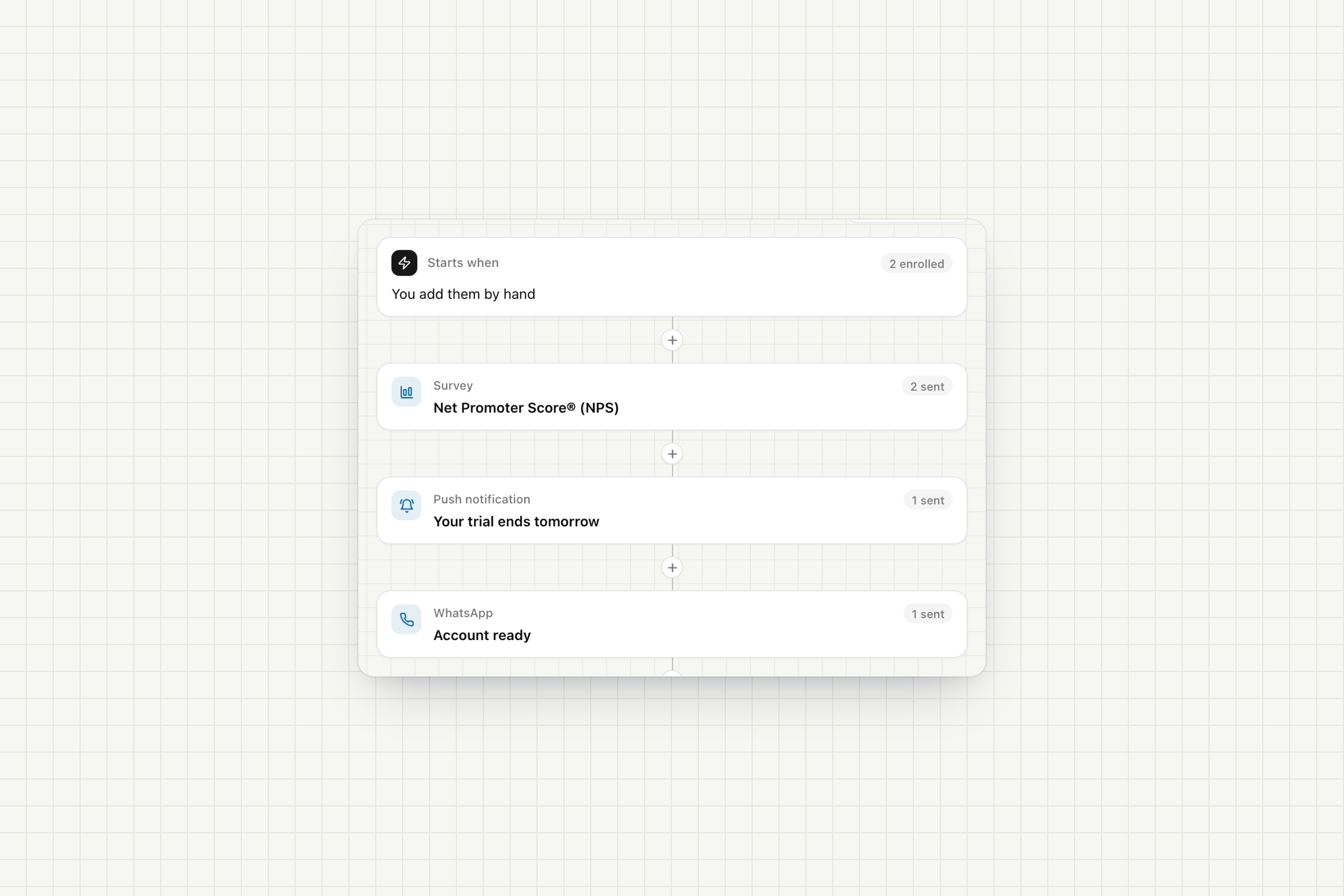
Three new steps in the + menu. Each one sends a message you already have in Outreach.
Survey: shows one of your surveys in your app or website. A draft survey works: only the people this step sends it to see it.
Push notification: sends one of your push notifications to people who use your mobile app. People without the app skip the step.
WhatsApp: sends one of your approved WhatsApp templates to the phone number on the contact. Contacts without a phone number skip the step.
Chat messages and surveys can wait until the person is active in your app, up to a time you choose. If they don't show up, Gleap sends a fallback email with its own subject instead, or skips the step.
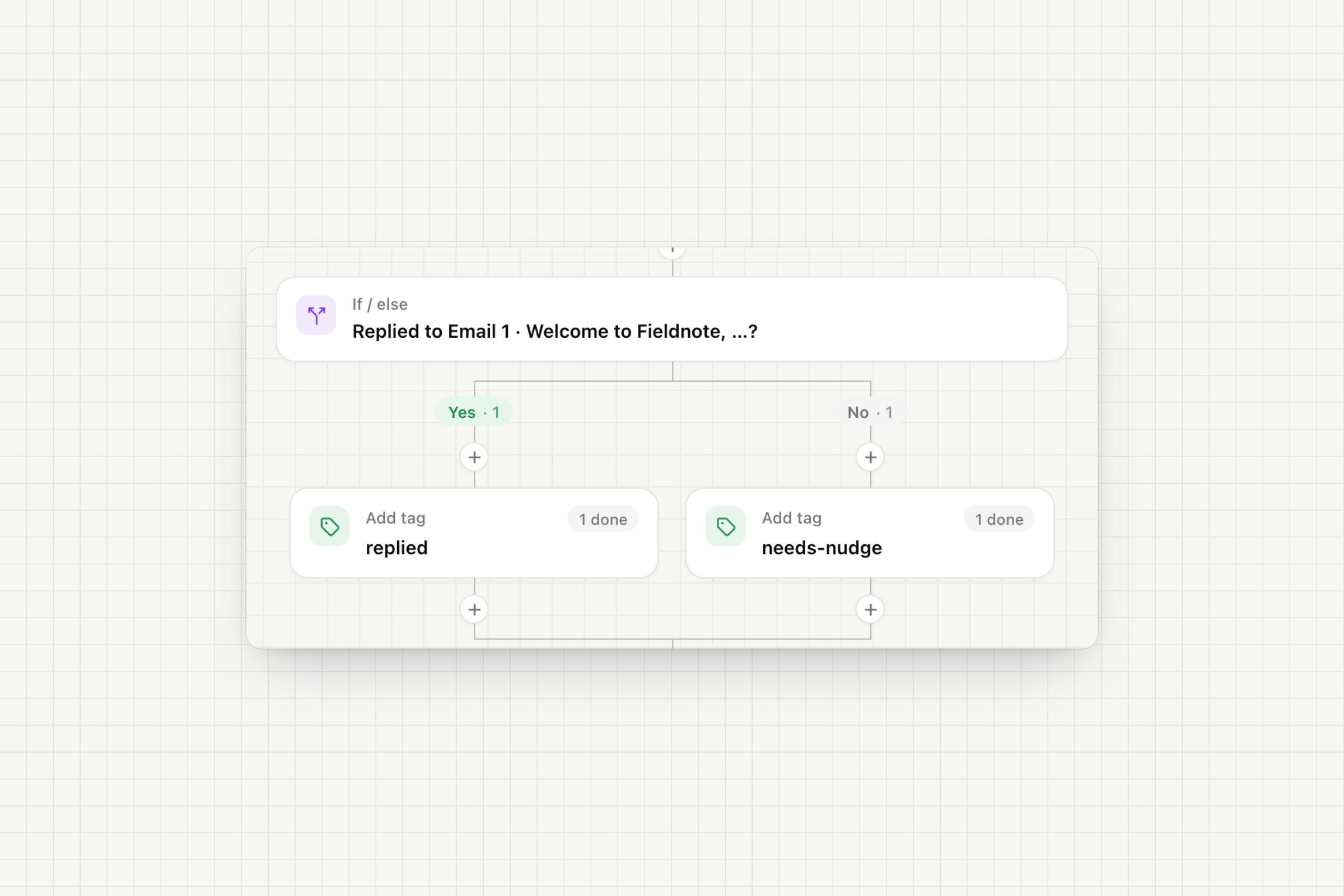
An If / else can now check email engagement: whether someone opened, clicked a link in or replied to one email, or any email so far. Put a wait before it to give people time. Opens and clicks are tracked for the Personal and Company looks.
A reply no longer ends a sequence by default. It lands in your inbox, counts in the results and can drive an If / else, and the person keeps getting the next steps.
Stop on a reply: switch on They reply under When it stops → Also stop when, for any email type.
Your sequences don't change: sequences you already have keep their current setting. The Win back template still stops on a reply.
Open Outreach → Sequences and click + to add a survey, push or WhatsApp step.